


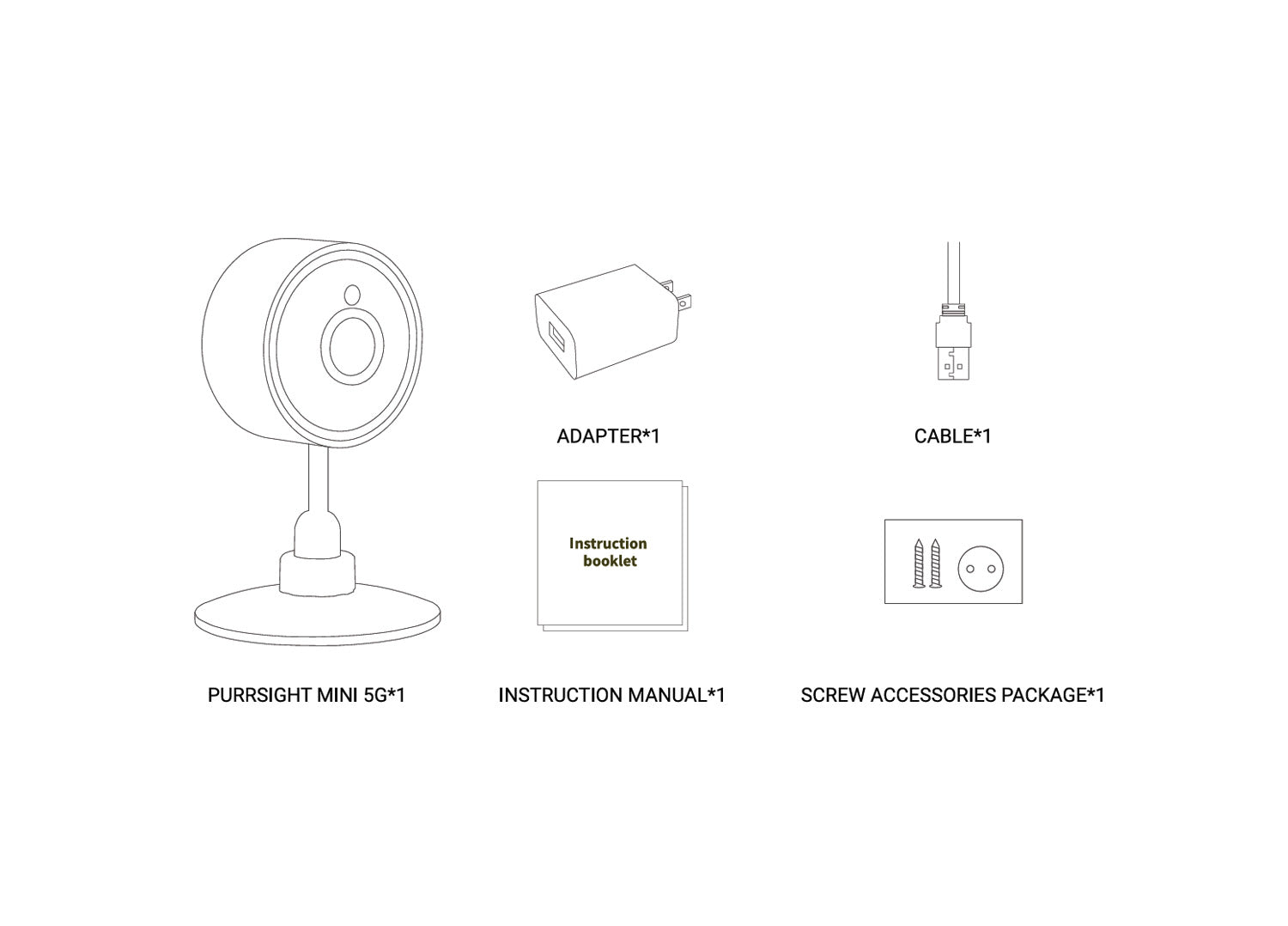
What's In The Box?
Purrsight Mini ×1
USB Adapter ×1
Cable ×1
Instruction Manual ×1
Screw Accessories Package ×1
Need your questions answered?
We Got You Covered!
Can the Purrsight Mini Smart Camera rotate like the Purrsight 360?
It cannot be rotated, it can only be slightly bent right and left, front and back. Or to move the camera manually.
Where is the Reset button located?
There is a little hole that can be reached with a thin needle or a toothpick behind the camera, it has "Reset" marked.
I am traveling and will bring the Purrsight Mini with me. Should i create a new account?
No new accounts are required. Kindly follow the steps below:
Unbind your Puresight Mini from the Instachew Infinity App.
Once at the new location, connect to the 2.4G or 5G Wifi.
Press and hold the reset button at the back of the device and wait until the Purrsight Mini emits a beeping noise.
Go through the usual setup process and use the device in the new location.
I am unable to connect my device to my Wi-Fi network
Kindly consider the things below:
Ensure that the software on your phone is up to date.
Ensure the correct application is downloaded (Instachew Infinity App).
Ensure to permit the Instachew Infinity App in your device Settings.
Ensure that you did not insert the SD card yet.
You can find this information from the options below:
- at the back of your Wi-Fi router
- Device Settings
- Call your service provider to confirm the connectivity you have
I put and SD Card in the Purrsight Mini, and it's not connecting.
The Purrsight Mini Camera will NOT connect if you put the SD Card in before trying to connect the device to the APP. So please ensure that there is no SD Card inside when connecting the device to the app.
How can I share the device with other users?
To share the device with other users, follow these simple steps:
1. Ask the other users to download the app from the respective app store and complete the registration process.
2. As the primary user, click on the share icon within the app.
3. The person you shared the device with should tap the shared profile or swipe left to access the device.
This will allow other users to access the device seamlessly. Happy sharing!
What's private mode?
If private mode is on or enabled it keeps your camera private.