

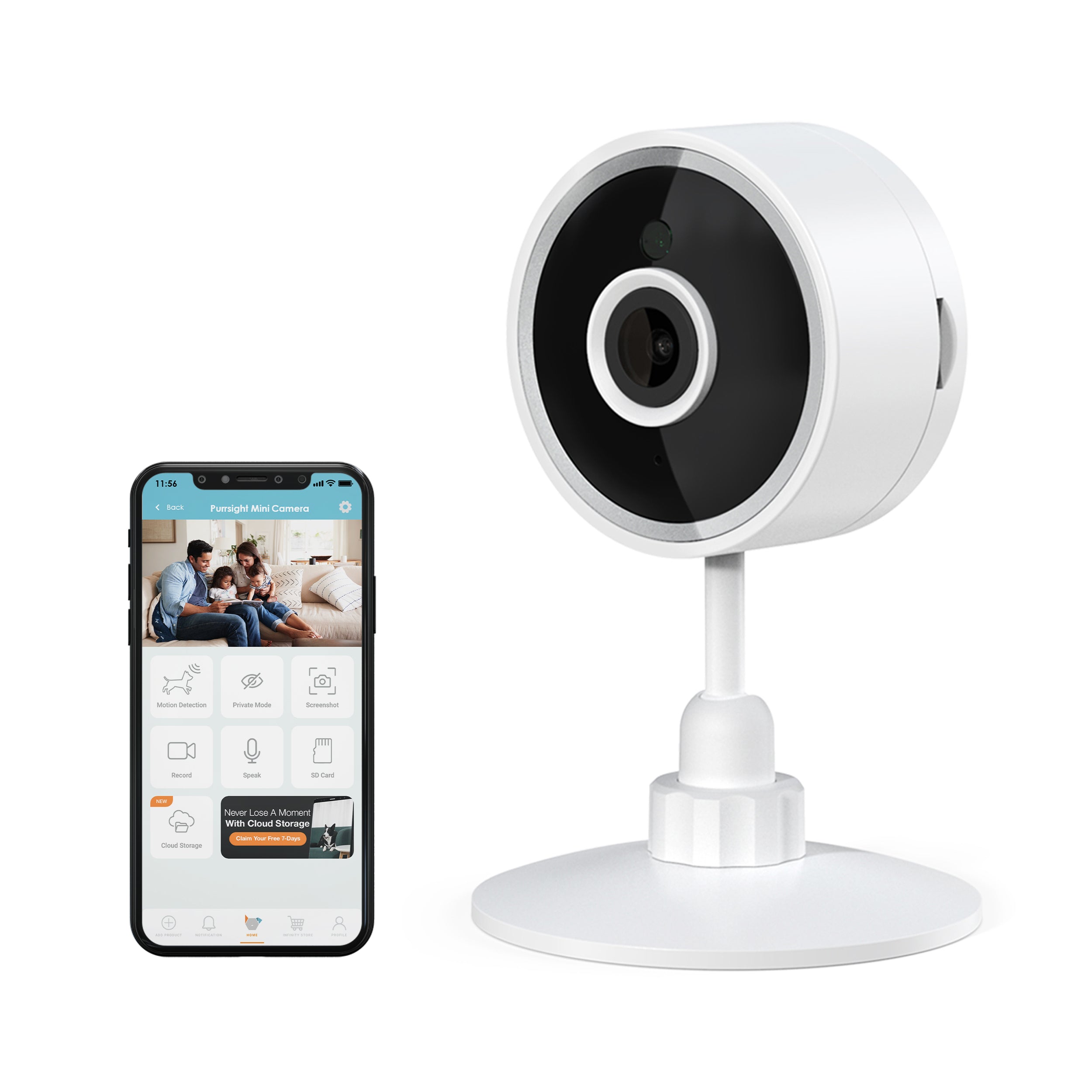
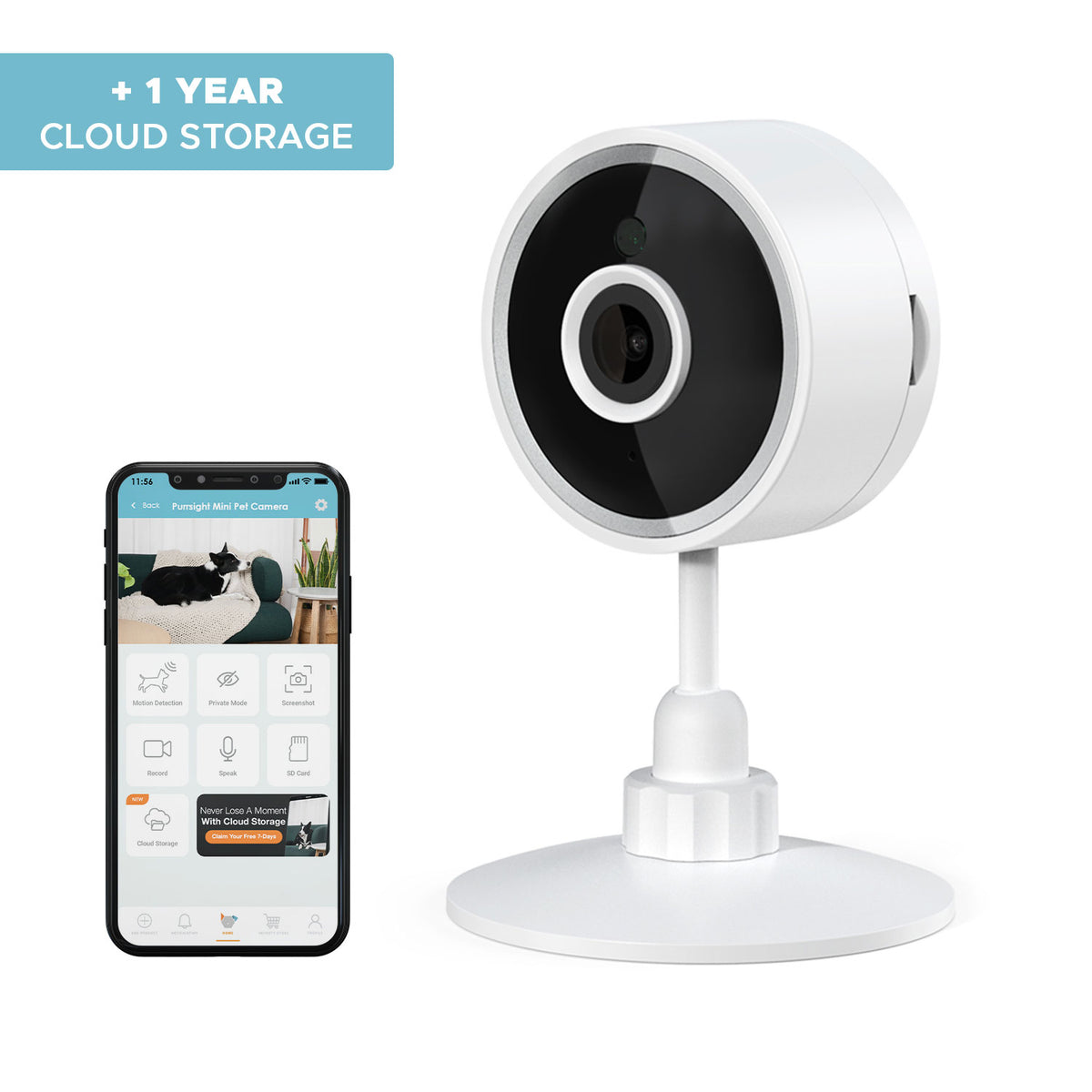
Purrsight Mini Smart Indoor Security Camera with Two-Way Audio
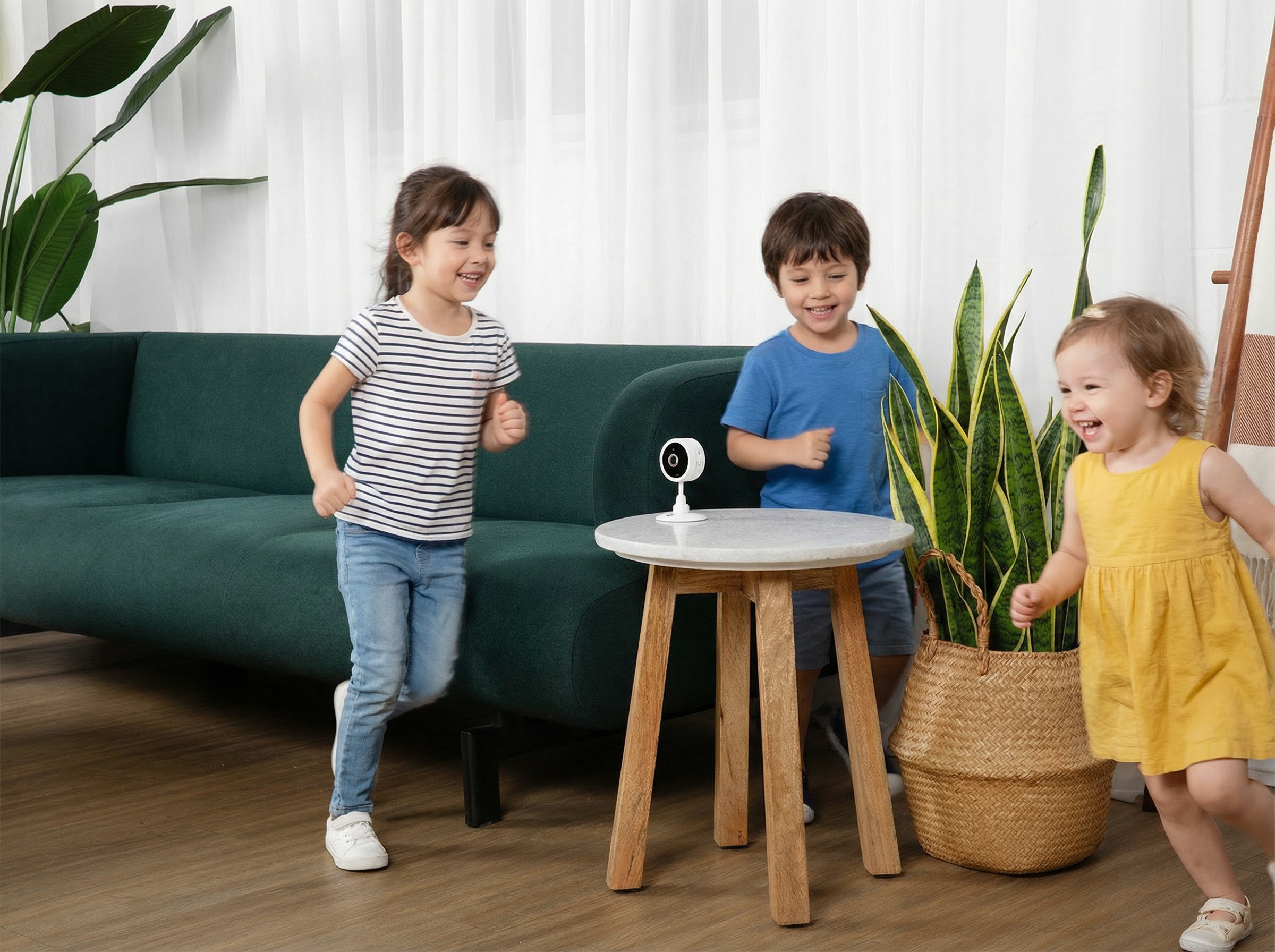
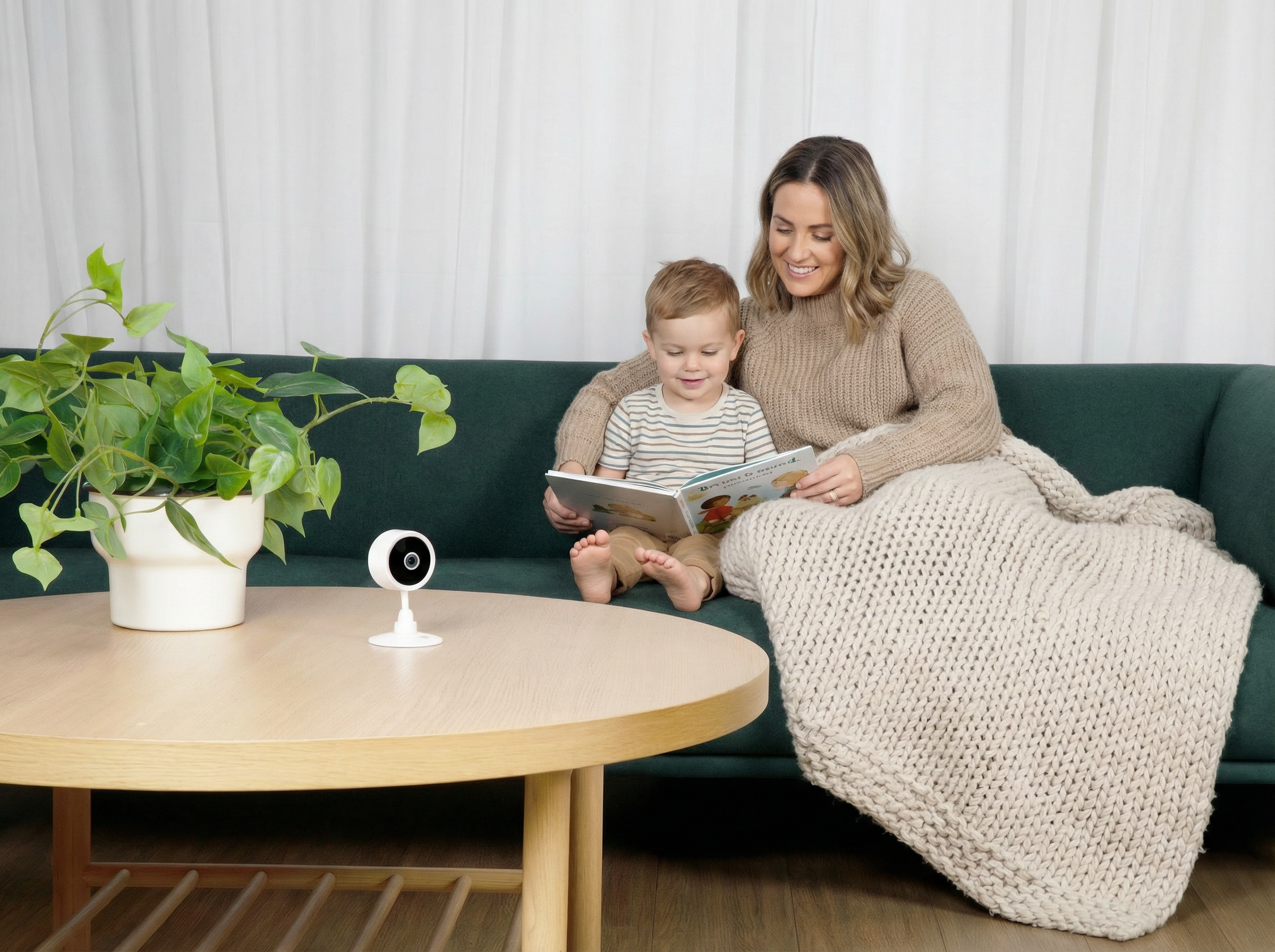
Elevate your home security with the Purrsight Mini Smart App-Enabled Camera, designed to help you keep an eye on what matters most—your family, baby, pets, and living spaces. Its sleek, compact design blends effortlessly into any room, from the living room to the nursery.
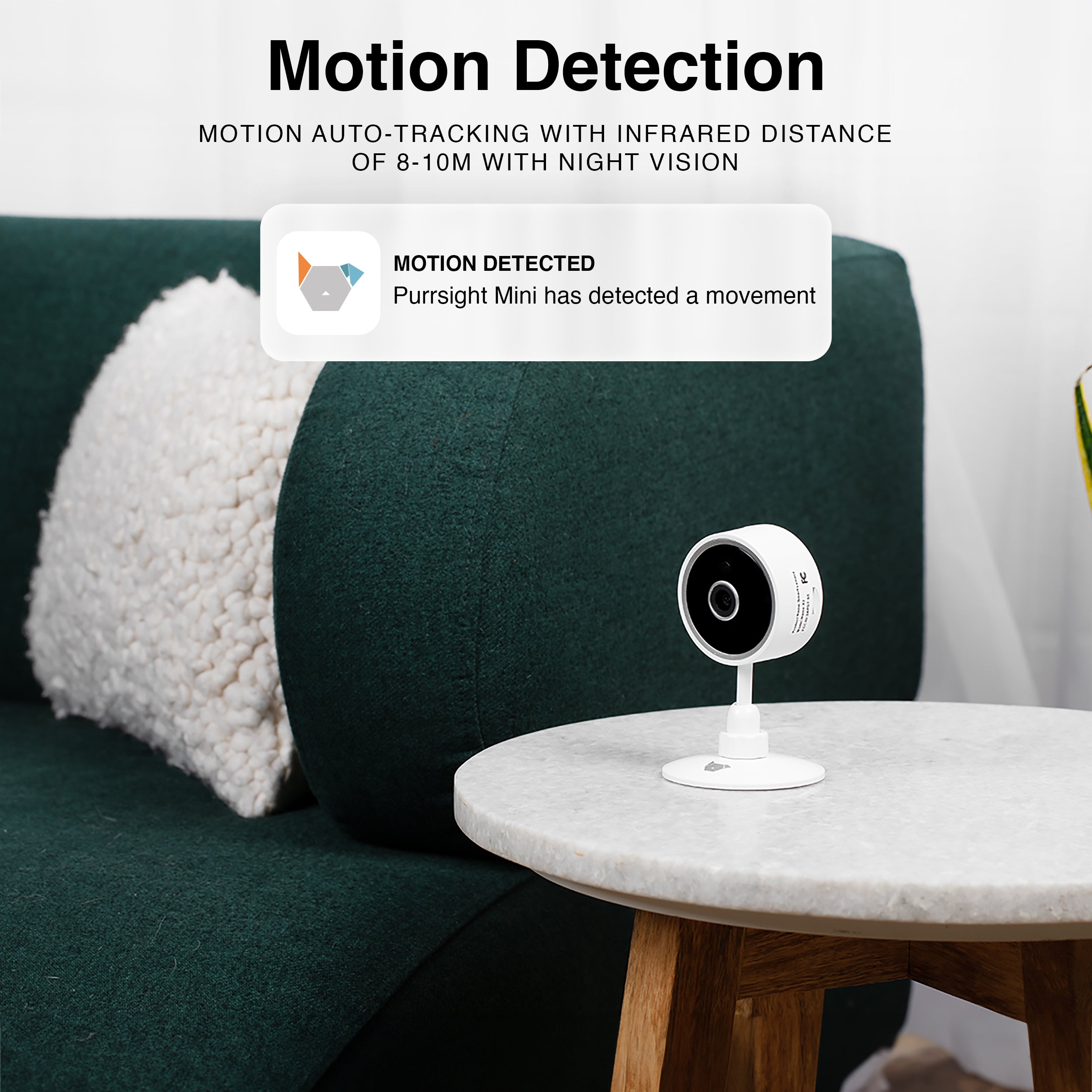
Stay connected wherever you are with instant motion alerts, two-way audio to hear and speak in real time, and crystal-clear night vision for round-the-clock peace of mind. Whether you’re checking in on your home, watching over your baby, or making sure your pets are safe, you’ll never miss a moment.
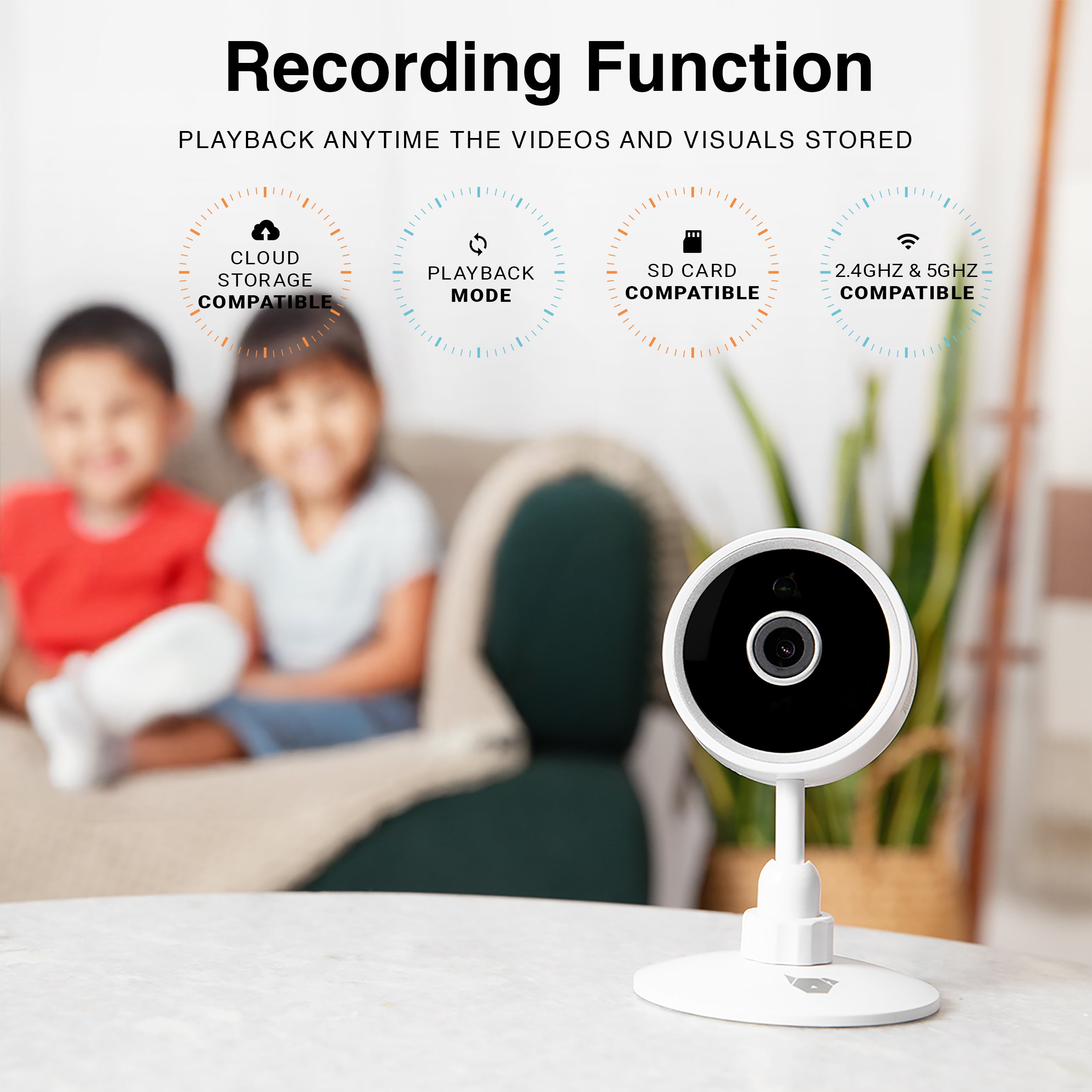
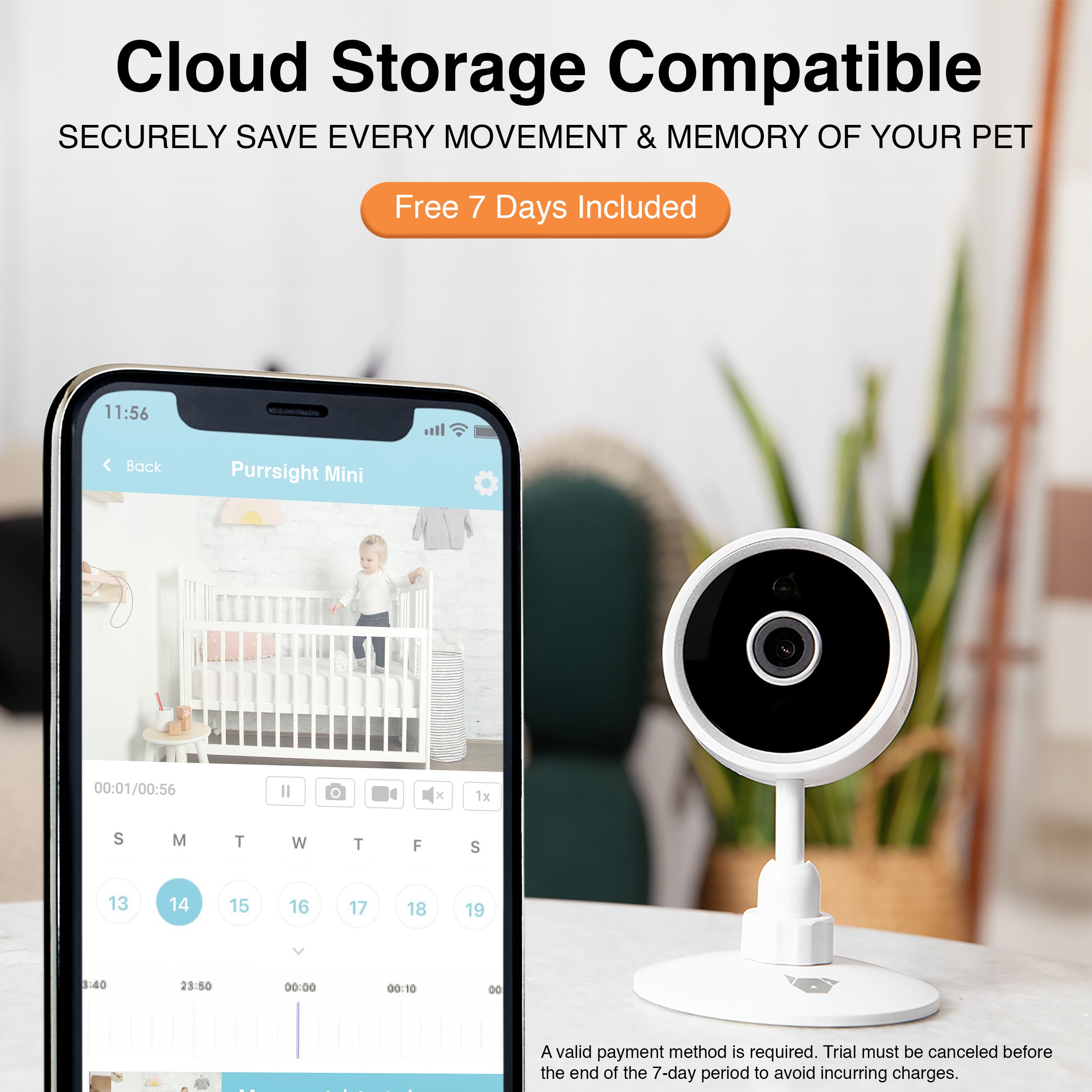
Securely save and revisit important events with cloud storage compatibility, offering 14-day and 30-day event history through flexible monthly or yearly subscription plans.
- Choose option:
- Purrsight Mini Smart App Pet Camera
Pairs well with
In stock! Ships within 1-2 business days.
90-day risk-free trial
2-Year Warranty
Complimentary shipping & returns
If you have any questions, you are always welcome to contact us. We'll get back to you as soon as possible, within 24 hours on weekdays.
-
Shipping Information
Use this text to answer questions in as much detail as possible for your customers.
-
Customer Support
Use this text to answer questions in as much detail as possible for your customers.
-
FAQ’s
Use this text to answer questions in as much detail as possible for your customers.
-
Contact Us
Use this text to answer questions in as much detail as possible for your customers.
What Our Customers Say


HD Camera Coverage
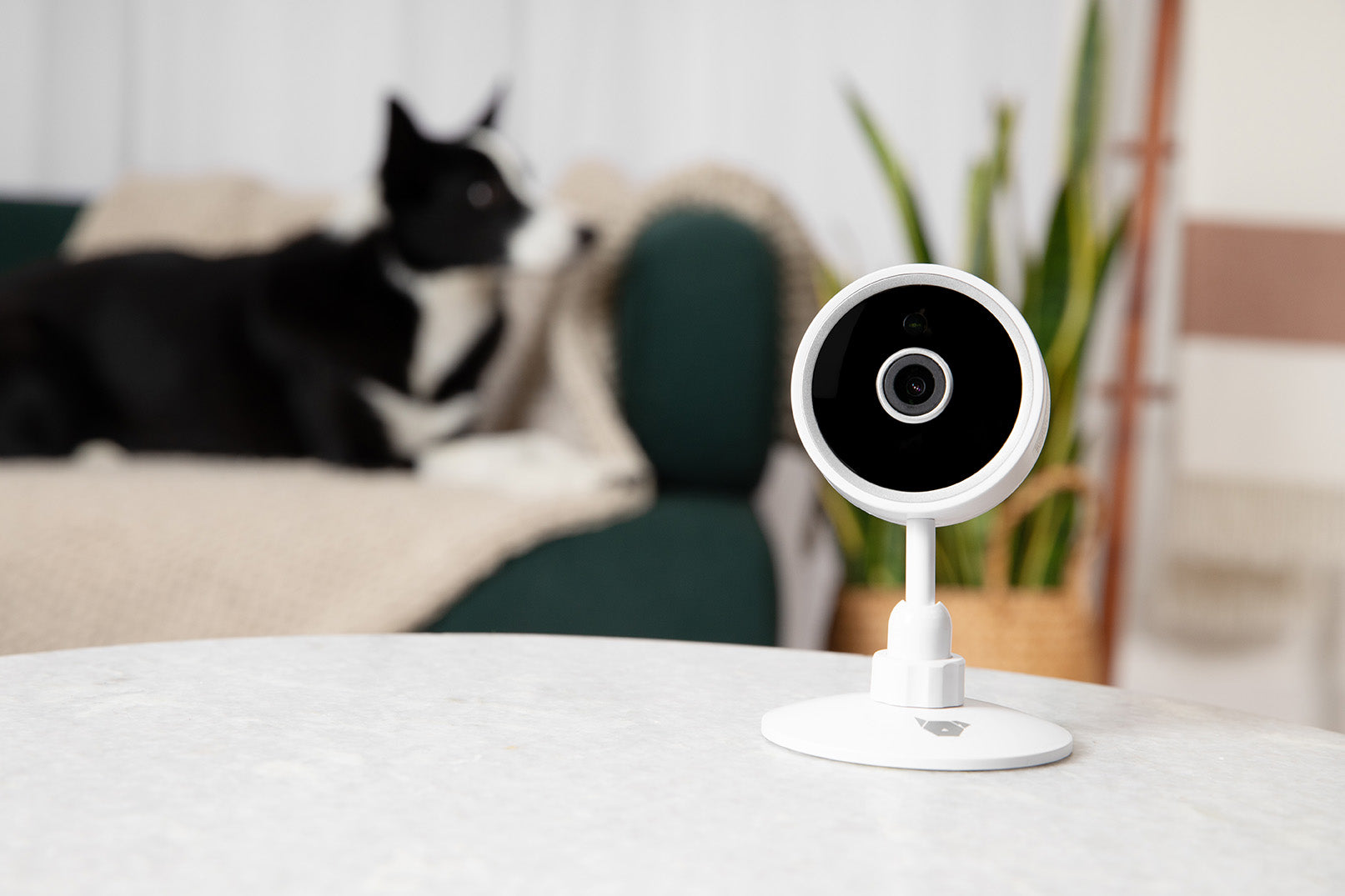
Purrsight Mini 5G’s HD camera lets you keep an eye on your home with crystal-clear quality, all through the INSTACHEW Infinity App
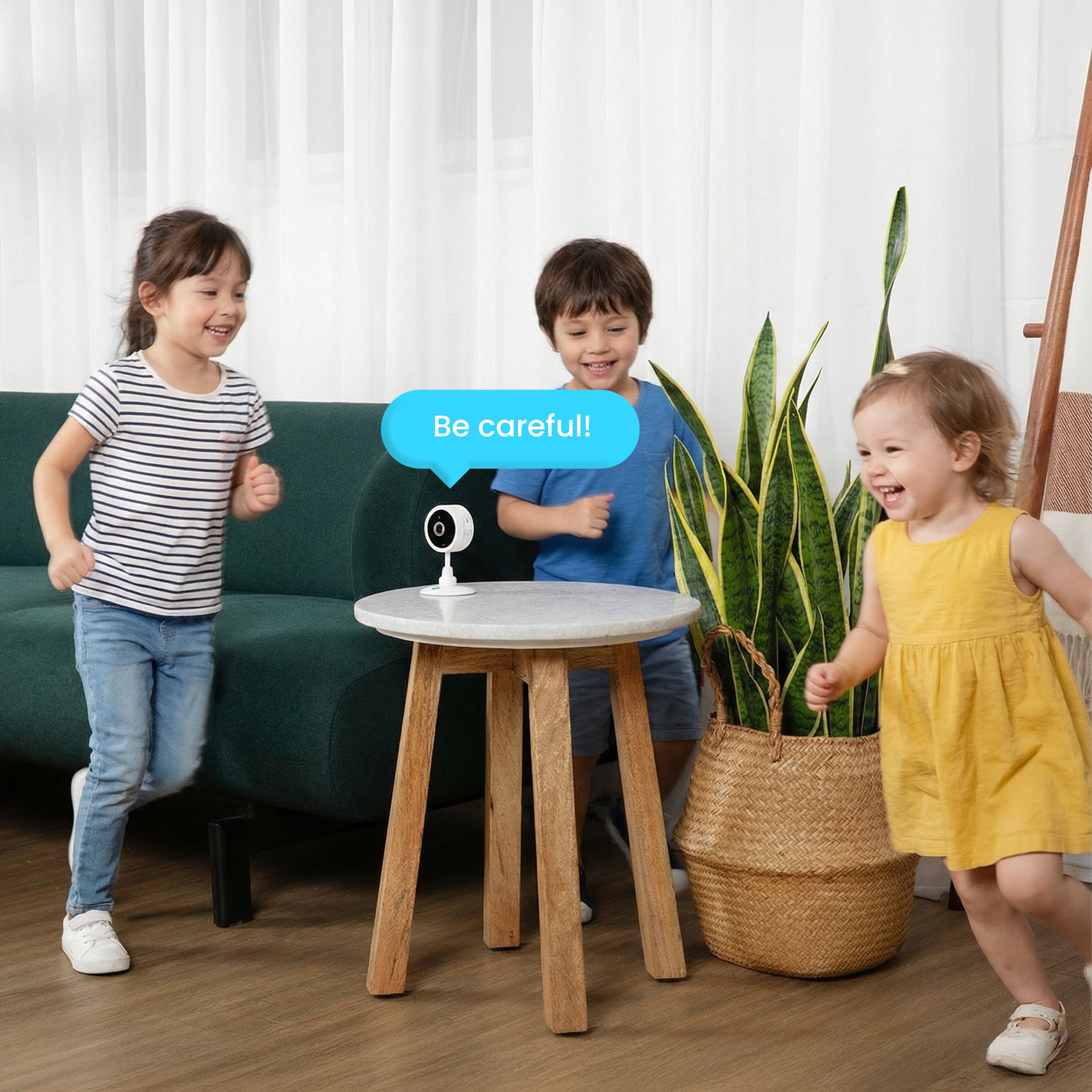
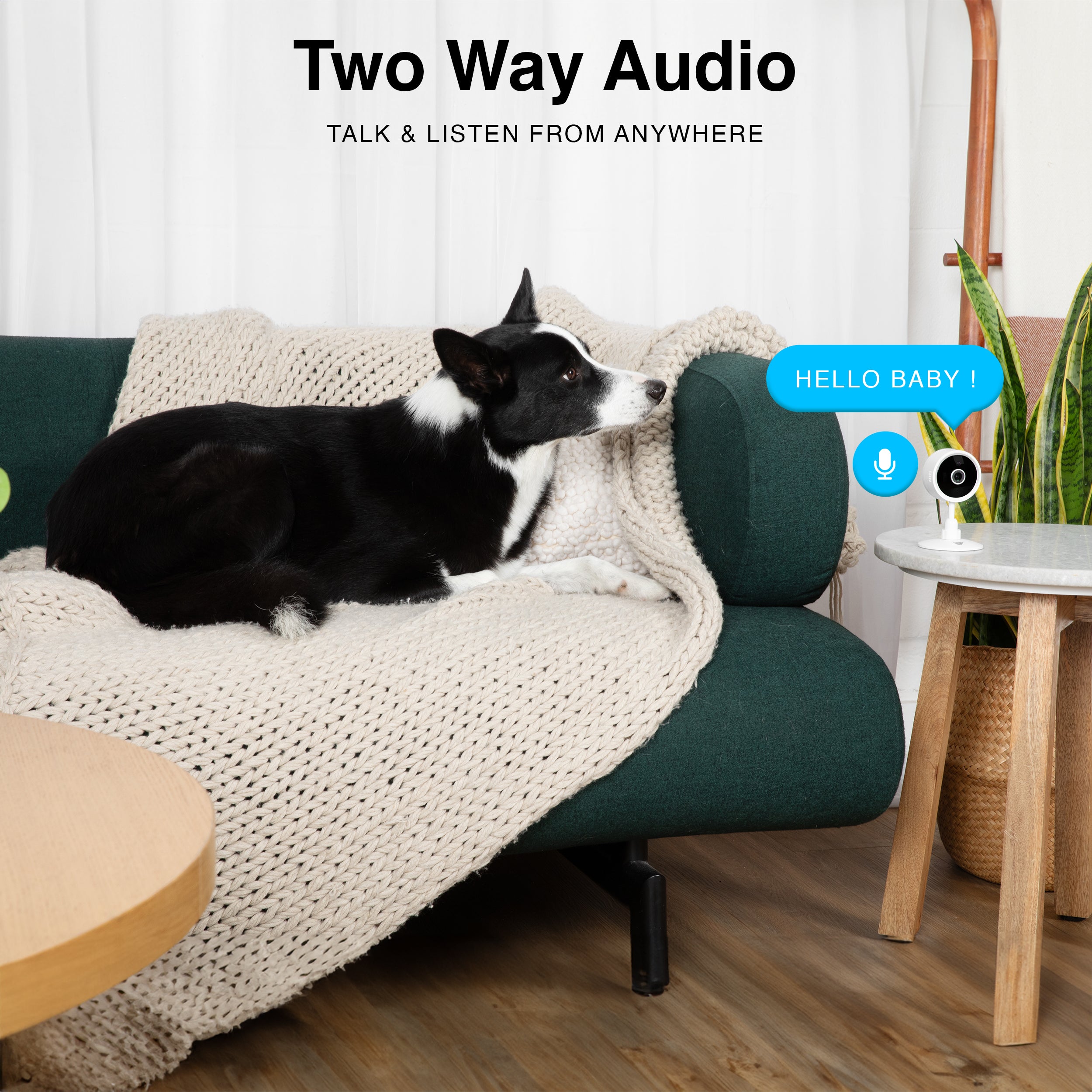
Live Monitoring with Two Way Audio
Use two-way audio to hear what’s happening and speak in real time through Purrsight Mini, keeping you connected to your home, family, baby, or pets via the INSTACHEW Infinity App.
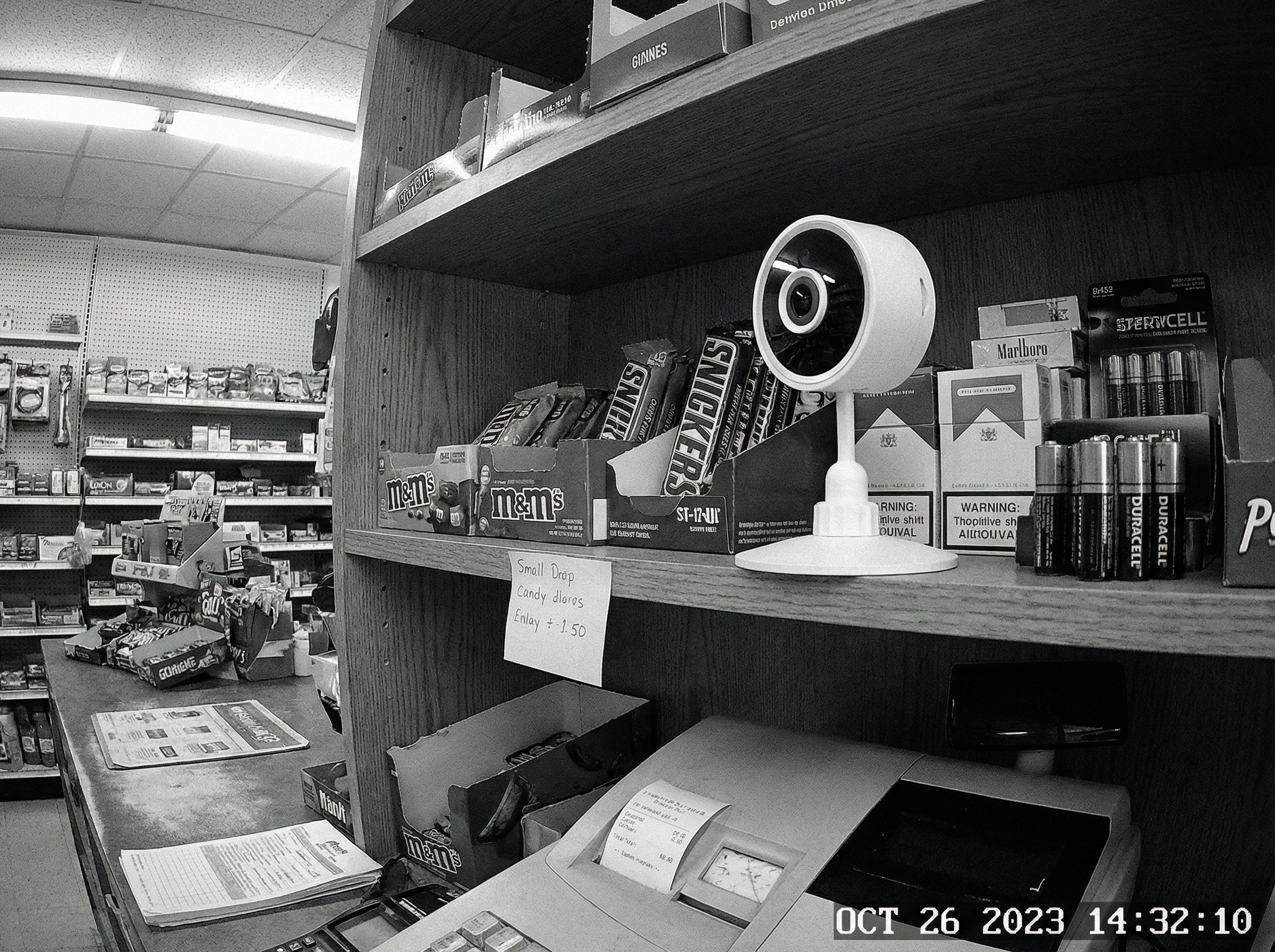
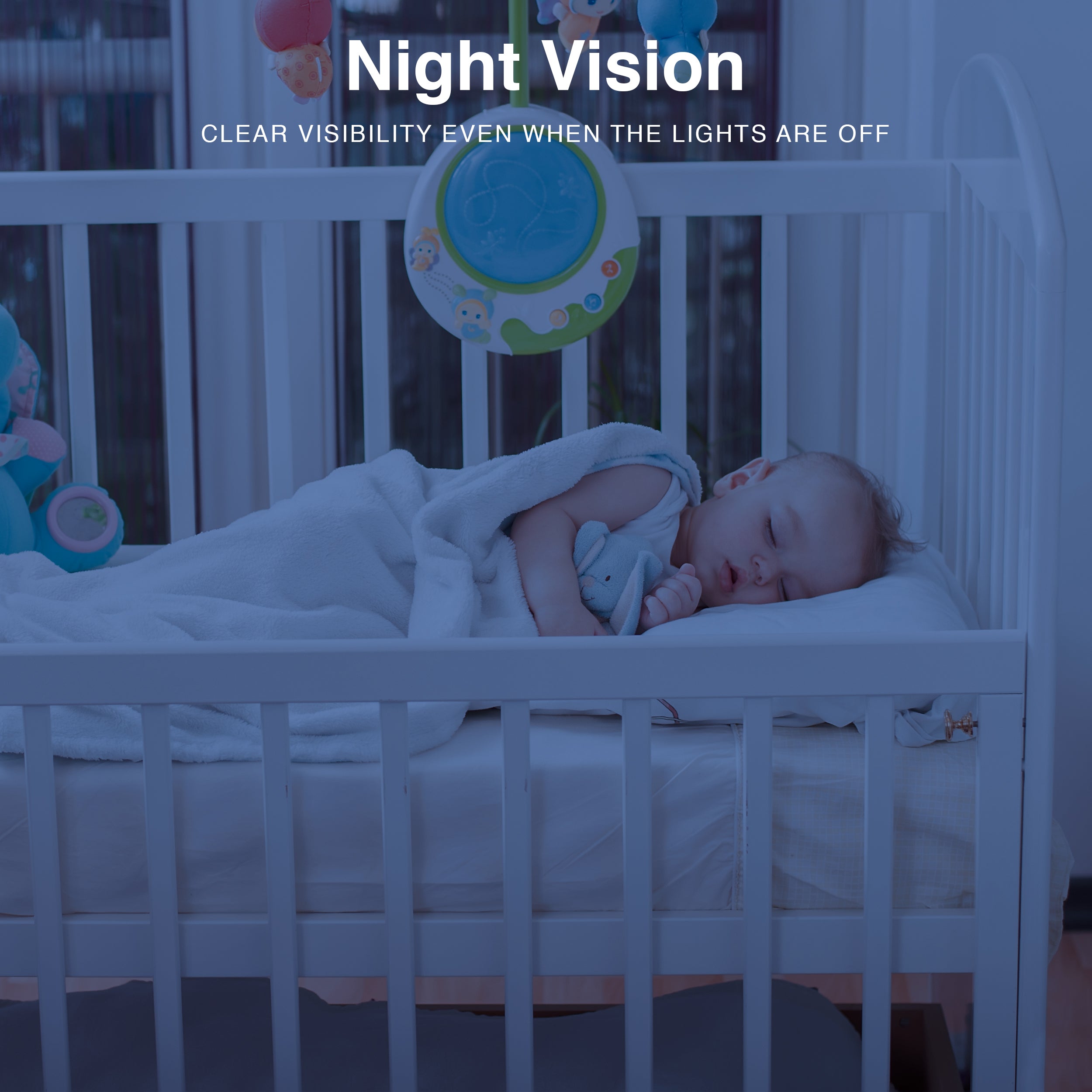
Night Vision for 24/7 Monitoring
Purrsight Mini’s night vision delivers clear, detailed views of your home or business even in complete darkness, so you can monitor all events anytime day or night.
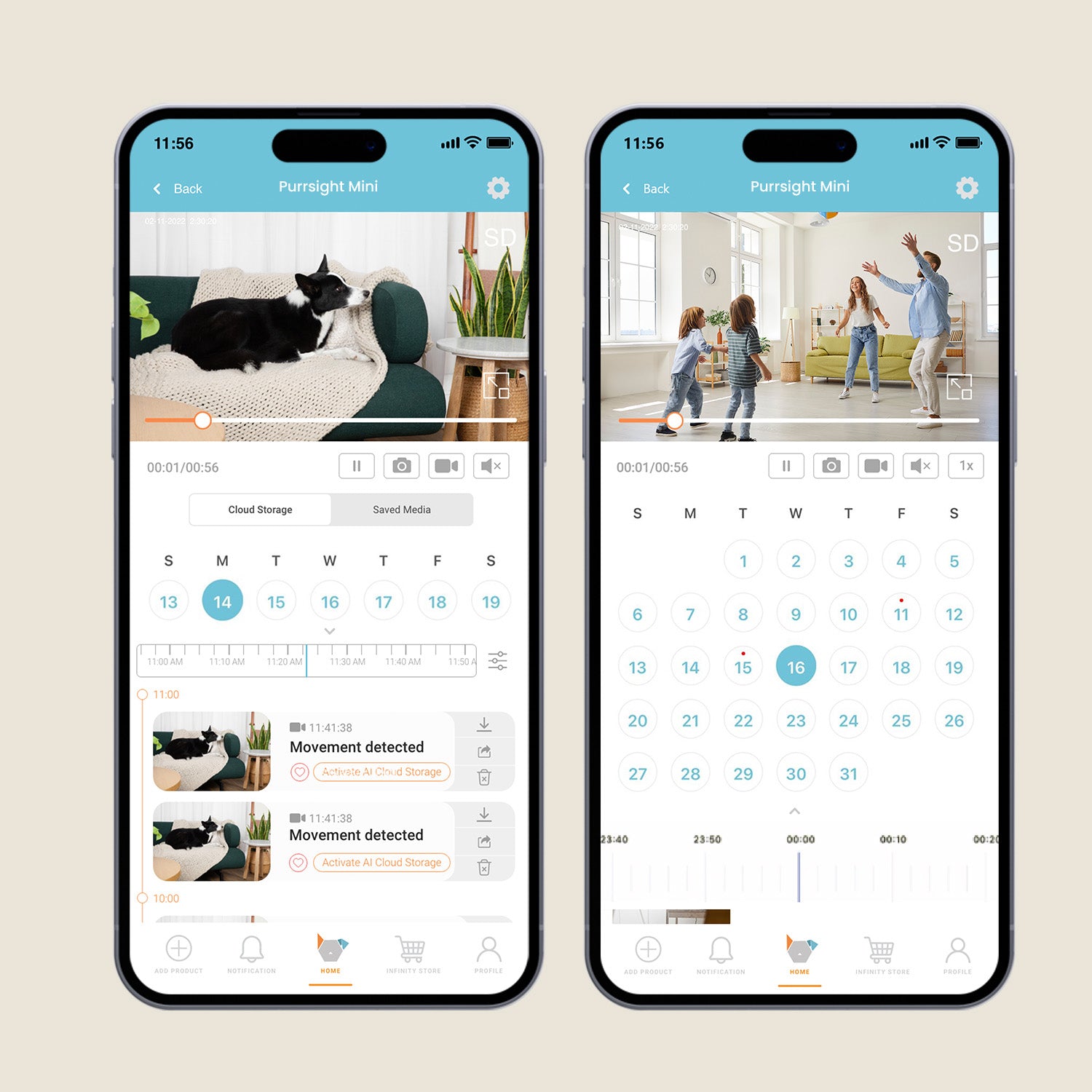
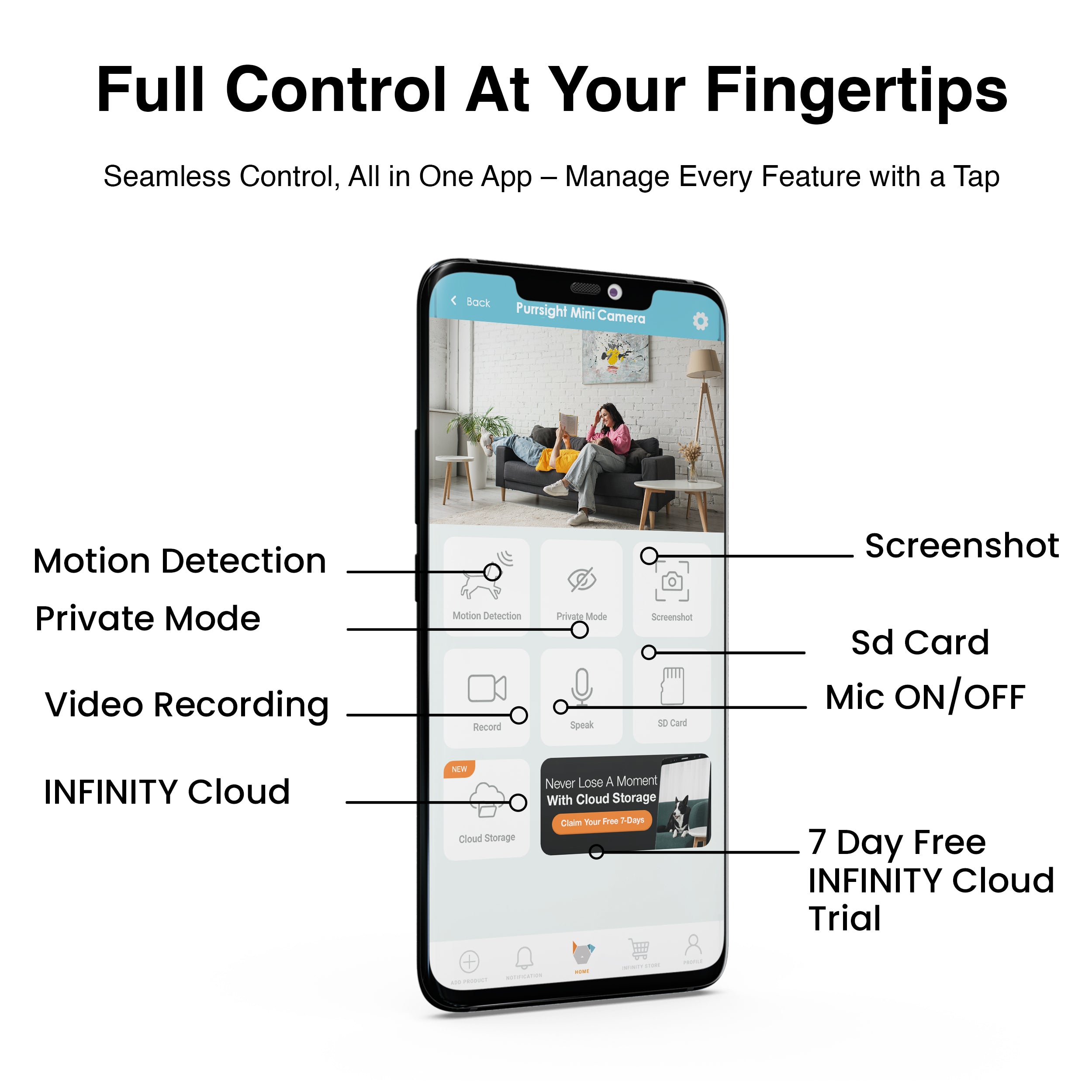
Stay Secure with Cloud Enabled Surveillance
The Purrsight Mini Camera comes with cloud storage support, letting you store up to 14 or 30 days of footage. Choose flexible monthly or yearly plans to effortlessly track movements and monitor your space without interruptions or worries.
See Everything. Miss Nothing.
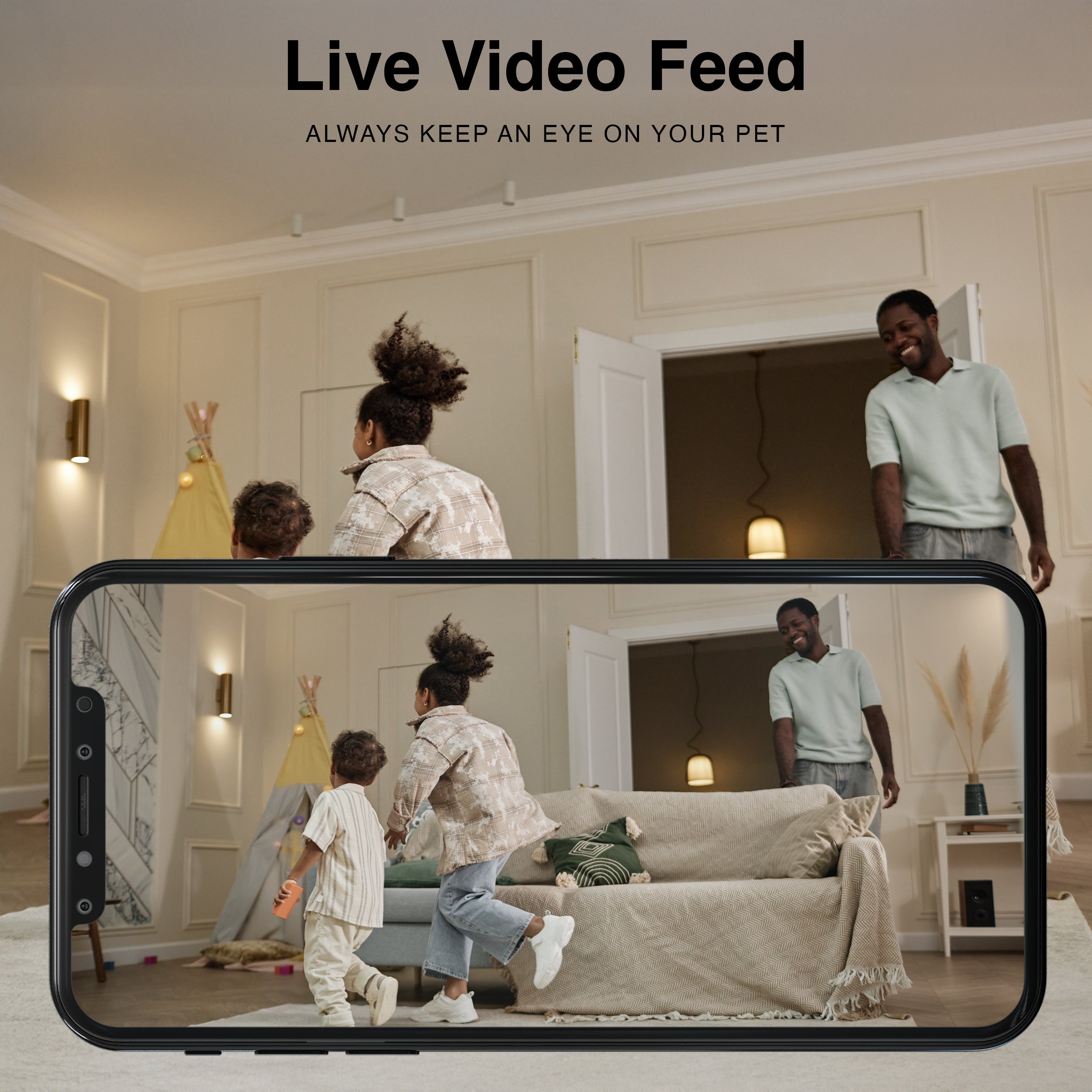
Purrsight Mini delivers reliable indoor monitoring with clear, detailed video in a compact fixed design. Stay connected to your home in real time, right from your phone anytime, anywhere.
Product comparison
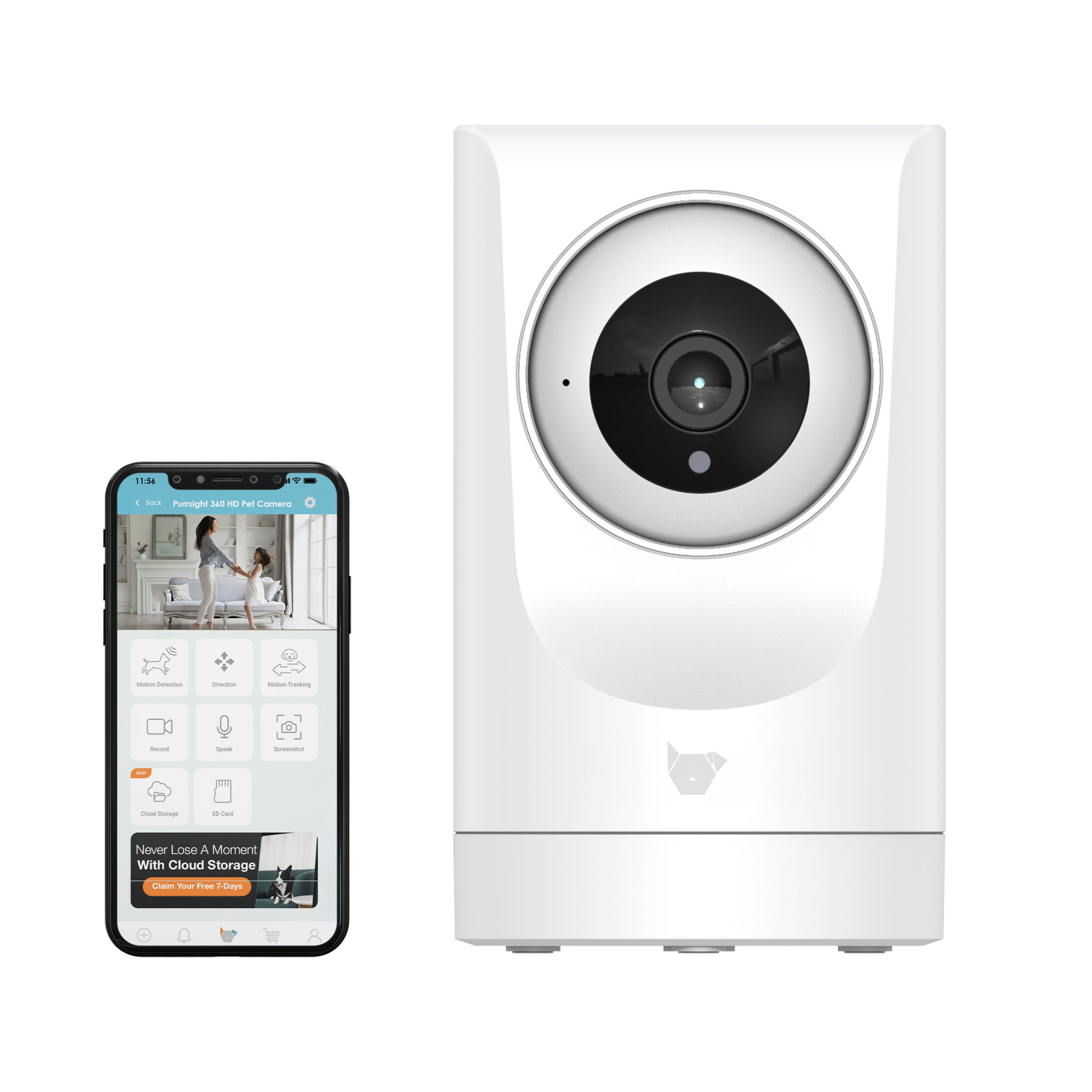
Purrsight 360° Pet Camera
Purrsight 360° Pet Camera
Connectivity
2.4 & 5 Ghz
Connectivity
2.4 & 5 Ghz
Resolution
3MP 2304*1296P
Resolution
3MP 2304*1296
Rotation
No
Rotation
355° Rotation & UP/DOWN Tilt
Microphone
Yes
Microphone
Yes
2 Way Audio
Yes
2 Way Audio
Yes
Night Vision
Yes
Night Vision
Yes
Motion Detection
Yes
Motion Detection
Yes
SD Card
Micro SD Card Supported. Up to 128GB
SD Card
Micro SD Card Supported. Up to 128GB
Auto Tracking
No
Auto Tracking
Yes. Automatically follows subject
Cloud Storage
Compatible
Cloud Storage
Compatible
FAQs
Please read our FAQs page to find out more.
Can the Purrsight Mini Smart Camera rotate like the Purrsight 360?
It cannot be rotated, it can only be slightly bent right and left, front and back. Or to move the camera manually.
Where is the Reset button located?
There is a little hole that can be reached with a thin needle or a toothpick behind the camera, it has "Reset" marked.
I am traveling and will bring the Purrsight Mini with me. Should i create a new account?
No new accounts are required. Kindly follow the steps below:
Unbind your Puresight Mini from the Instachew Infinity App.
Once at the new location, connect to the 2.4G or 5G Wifi.
Press and hold the reset button at the back of the device and wait until the Purrsight Mini emits a beeping noise.
Go through the usual setup process and use the device in the new location.
I am unable to connect my device to my Wi-Fi network
Kindly consider the things below:
Ensure that the software on your phone is up to date.
Ensure the correct application is downloaded (Instachew Infinity App).
Ensure to permit the Instachew Infinity App in your device Settings.
Ensure that you did not insert the SD card yet.
You can find this information from the options below:
- at the back of your Wi-Fi router
- Device Settings
- Call your service provider to confirm the connectivity you have
I put and SD Card in the Purrsight Mini, and it's not connecting.
The Purrsight Mini Camera will NOT connect if you put the SD Card in before trying to connect the device to the APP. So please ensure that there is no SD Card inside when connecting the device to the app.
How can I share the device with other users?
To share the device with other users, follow these simple steps:
1. Ask the other users to download the app from the respective app store and complete the registration process.
2. As the primary user, click on the share icon within the app.
3. The person you shared the device with should tap the shared profile or swipe left to access the device.
This will allow other users to access the device seamlessly. Happy sharing!